Home screen & lock screen
Your money, on the screen you already look at.
Zeteo's home-screen and lock-screen widgets put safe-to-spend, your next bill and one-tap transaction entry where you already look.
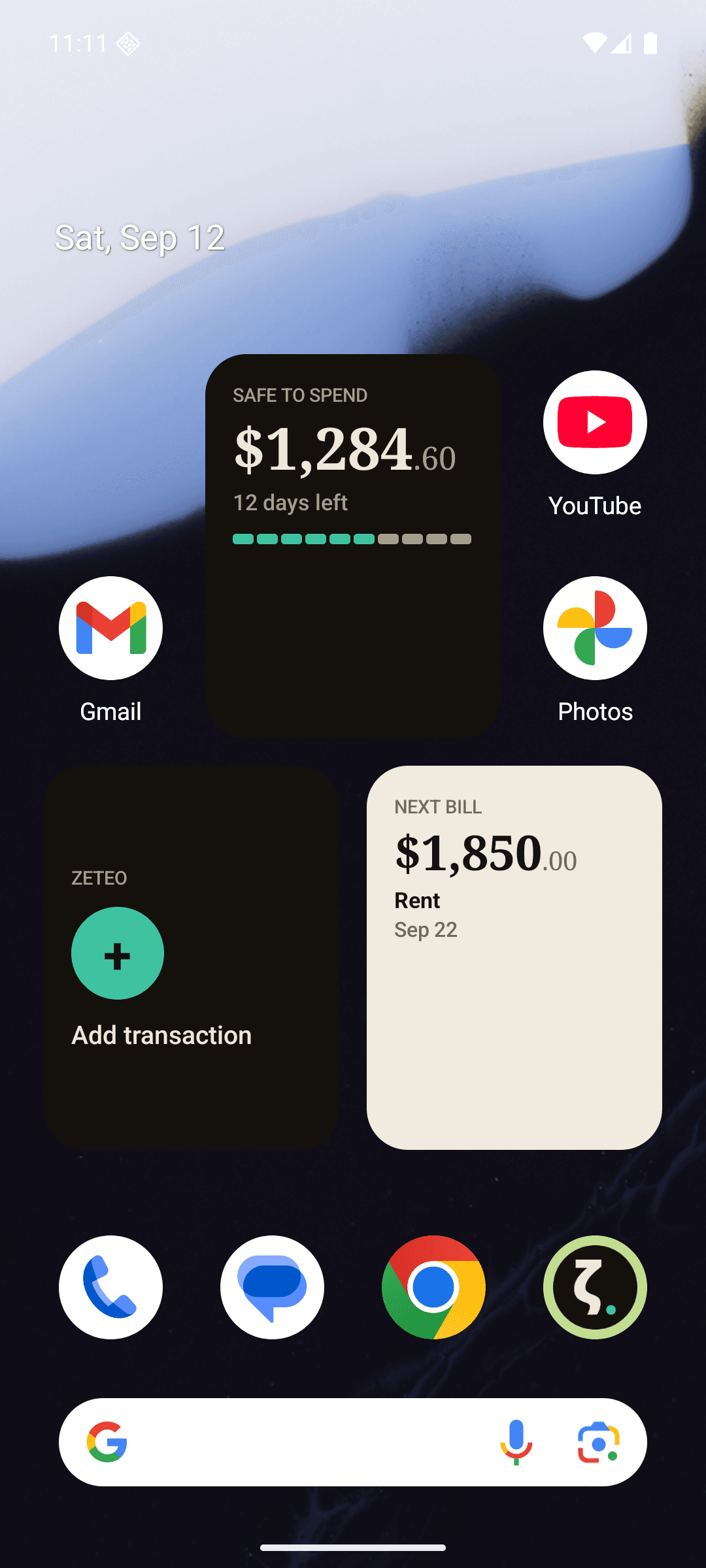
Screenshot of an Android home screen. Every amount shown across this page is seeded demo data. No real account, balance or person appears anywhere.
Why a widget at all
One tap from your home screen.
The hardest part of tracking money is not the maths. It is the ten seconds after you pay, when the thing you meant to record slips. Zeteo's Add Transaction widget removes every step between the two: one tap from your home screen, or from your iPhone lock screen without unlocking to the home screen at all, and you are on the entry screen with the keyboard up.
It is the only Zeteo widget that starts something rather than reporting something. That is deliberate. It carries no figure, because a button dressed as a statistic invites you to read it instead of pressing it.
Add Transaction
iPhone (small) · Android (2×2)
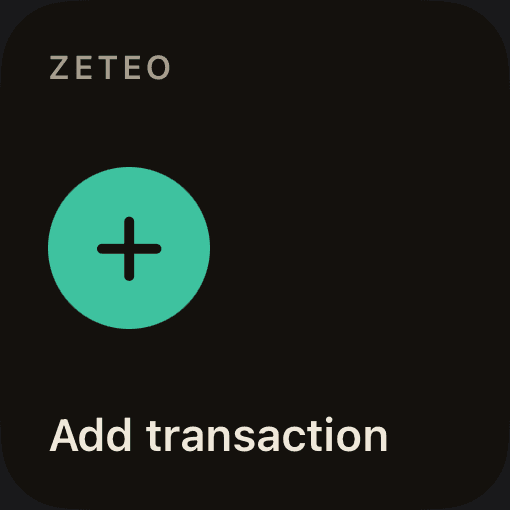
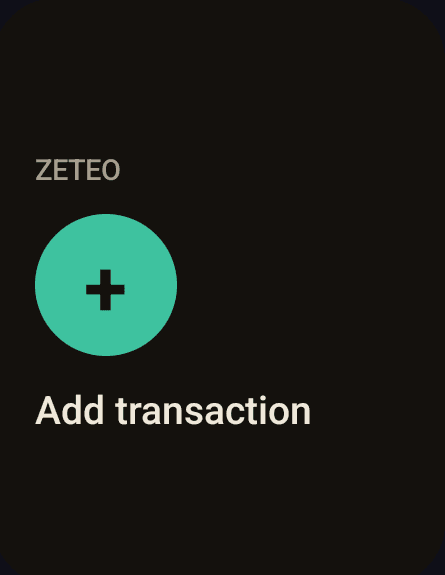
Zeteo's Add Transaction widget opens the transaction entry screen from your home screen in one tap, with the keyboard already up.
It is the only Zeteo widget that starts something rather than reporting something. That is deliberate. It carries no figure, because a button dressed as a statistic invites you to read it instead of pressing it.
Safe to Spend
iPhone (small) · Android (2×2)
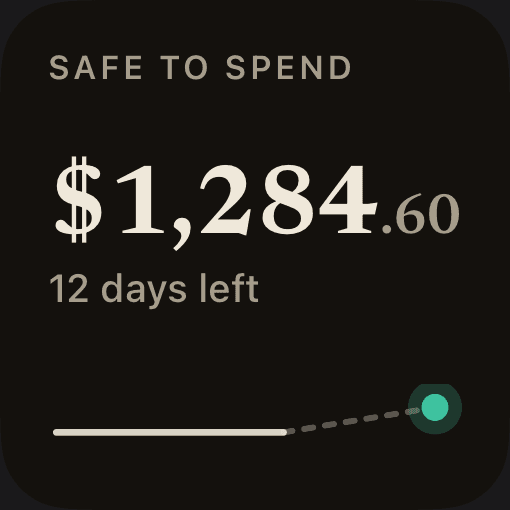
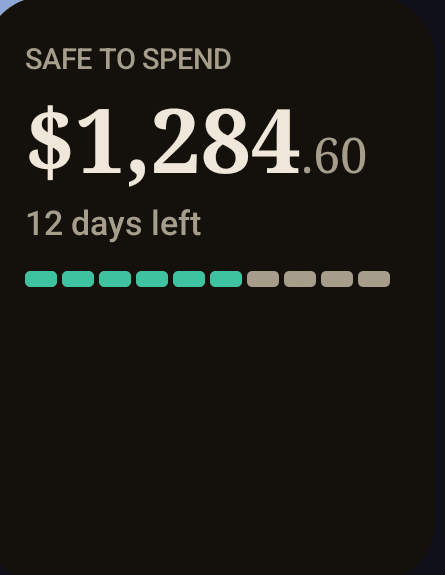
Zeteo's Safe to Spend widget shows what is left to spend this month, on your iPhone or Android home screen.
It is the one figure that answers “can I buy this”: what is left this month after the bills you have coming, with the days remaining and a pace bar showing whether you are ahead of or behind where the month expects you to be.
Month at a Glance
iPhone (medium) · Android (4×2)
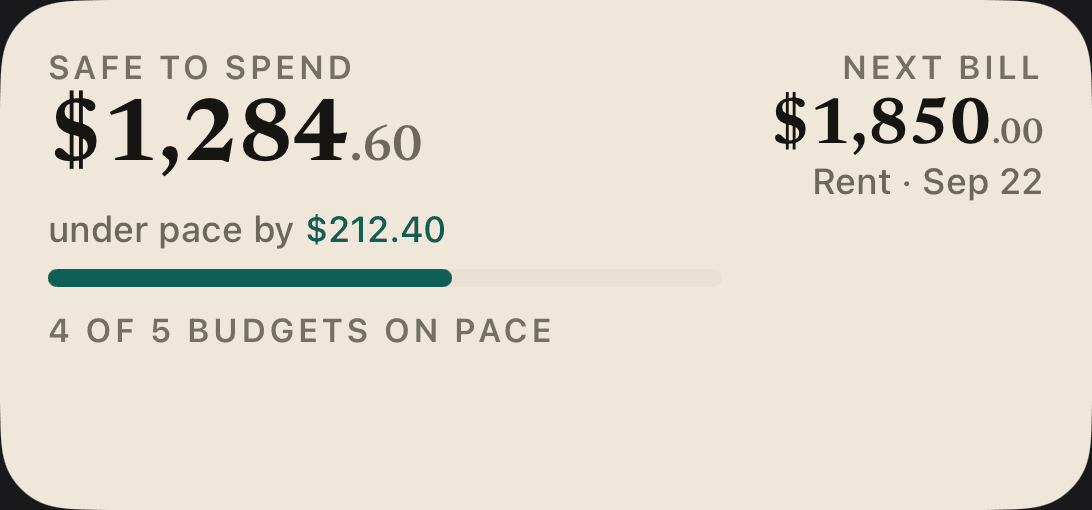
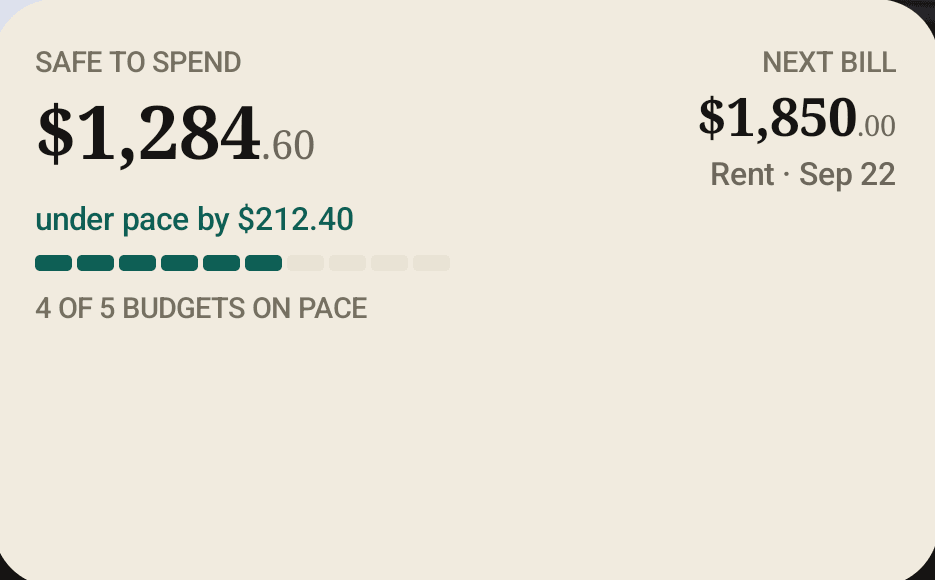
Zeteo's Month at a Glance widget puts safe-to-spend, your next bill and your budget pace in one wide tile.
The widest tile Zeteo offers, and the one to place if you would rather read the month in a single row than keep three separate squares.
Next Bills
iPhone (small) · Android (2×2)
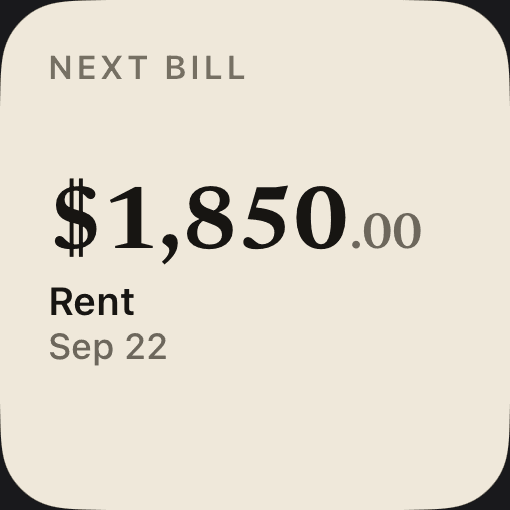
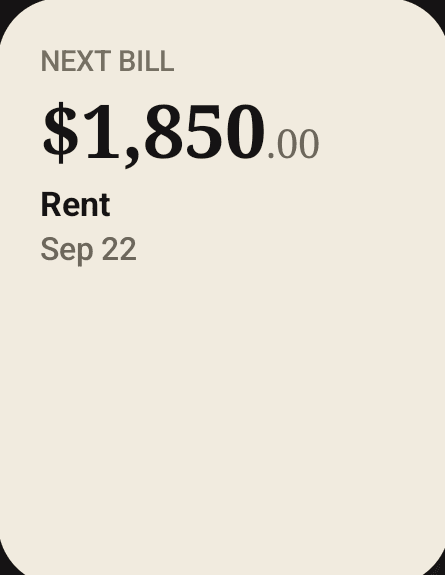
Zeteo's Next Bills widget shows the next payment leaving your account and the date it is due.
The tile prints the overline NEXT BILL above the amount. It is the answer to the question you ask on the way past the calendar: what is coming, and when.
Lock-screen widgets
iPhone (circular, plus inline for safe-to-spend) · not available on Android
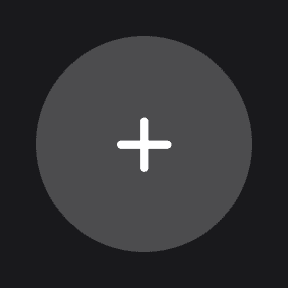
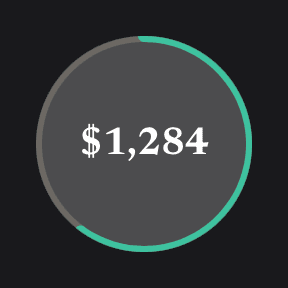
On iPhone, Zeteo's Add Transaction and safe-to-spend widgets are also available on the lock screen, on iOS 16 and later.
iOS draws lock-screen widgets as a monochrome stencil tinted by the system against your wallpaper, so these are representative rather than exact. Yours will take on the tint your lock screen gives it.
Straight answers
What they do, and what they don't.
The numbers are snapshots, and say when they were taken
Widget figures refresh when you open Zeteo, after it syncs, and when you leave the app. They are not live-streamed. If a figure is more than 24 hours old, the widget labels it with the date it was taken rather than presenting it as current.
Amounts can be hidden, under two conditions
Turn on the widget privacy toggle and enable app lock, and every money figure renders as ••••• instead. Both are required; the toggle alone does not mask. The masking happens before anything reaches the shared container, so the hidden figures are never written outside the app in the first place.
A tap opens the app
Every Zeteo widget is a shortcut, not a surface you type into. Tapping one opens Zeteo, on the transaction entry screen in the case of Add Transaction, and if you use app lock you authenticate first.
Where they do not run
There is no Apple Watch complication, no macOS widget and no Android lock-screen widget, because Android does not offer that surface. The iOS widgets are built for iPhone widget families; we have not verified how they lay out on iPad, so we are not claiming it.
Widget questions.
Can I add an expense from my phone's home screen?
Yes. Zeteo's Add Transaction widget is a home-screen widget on both iPhone and Android. One tap opens the transaction entry screen with the keyboard up.
Can I add an expense from the iPhone lock screen?
Yes. The Add Transaction widget is also available as an iPhone lock-screen widget on iOS 16 and later, so you can reach the entry screen without unlocking to the home screen first.
Does Zeteo have Android widgets?
Yes. Four: Safe to Spend (2×2), Next Bills (2×2), Add Transaction (2×2) and Month at a Glance (4×2), all on the Android home screen.
Does Zeteo have a lock-screen widget on Android?
No. Android does not offer a lock-screen widget surface, so Zeteo's Android widgets live on the home screen. On iPhone, both safe-to-spend and Add Transaction are available on the lock screen.
What do the Zeteo widgets show?
Safe to Spend shows what is left to spend this month with the days remaining and a pace bar. Next Bills shows the next payment leaving your account and its date. Month at a Glance combines safe-to-spend, the next bill and your budget pace in one wide tile. Add Transaction shows no figure at all. It is a button.
How often do the widget numbers update?
They refresh when you open Zeteo, after it syncs, and when you leave the app. If a figure is more than 24 hours old the widget labels it with the date it was taken rather than presenting it as current.
Do I have to open the app to record a transaction?
Yes. Tapping the widget opens Zeteo on the transaction entry screen. The widget is a shortcut to that screen, not a place to type. If you use app lock, you authenticate first.
Put it on your home screen.
Zeteo lands on iPhone and Android at the same time, widgets included. Leave your email and we'll tell you the moment it's live.
We'll email you the day Zeteo lands on the App Store and Google Play, plus the occasional build update. No spam, unsubscribe anytime.